
Users on certain telecom networks can now avail the interactive voice response (IVR) facility for linking their mobile numbers and Aadhaar numbers.
Some operators are now allowing their subscribers to use this service by dialling a central helpline number. This is will save them the effort to visit offline stores for linking the two numbers.
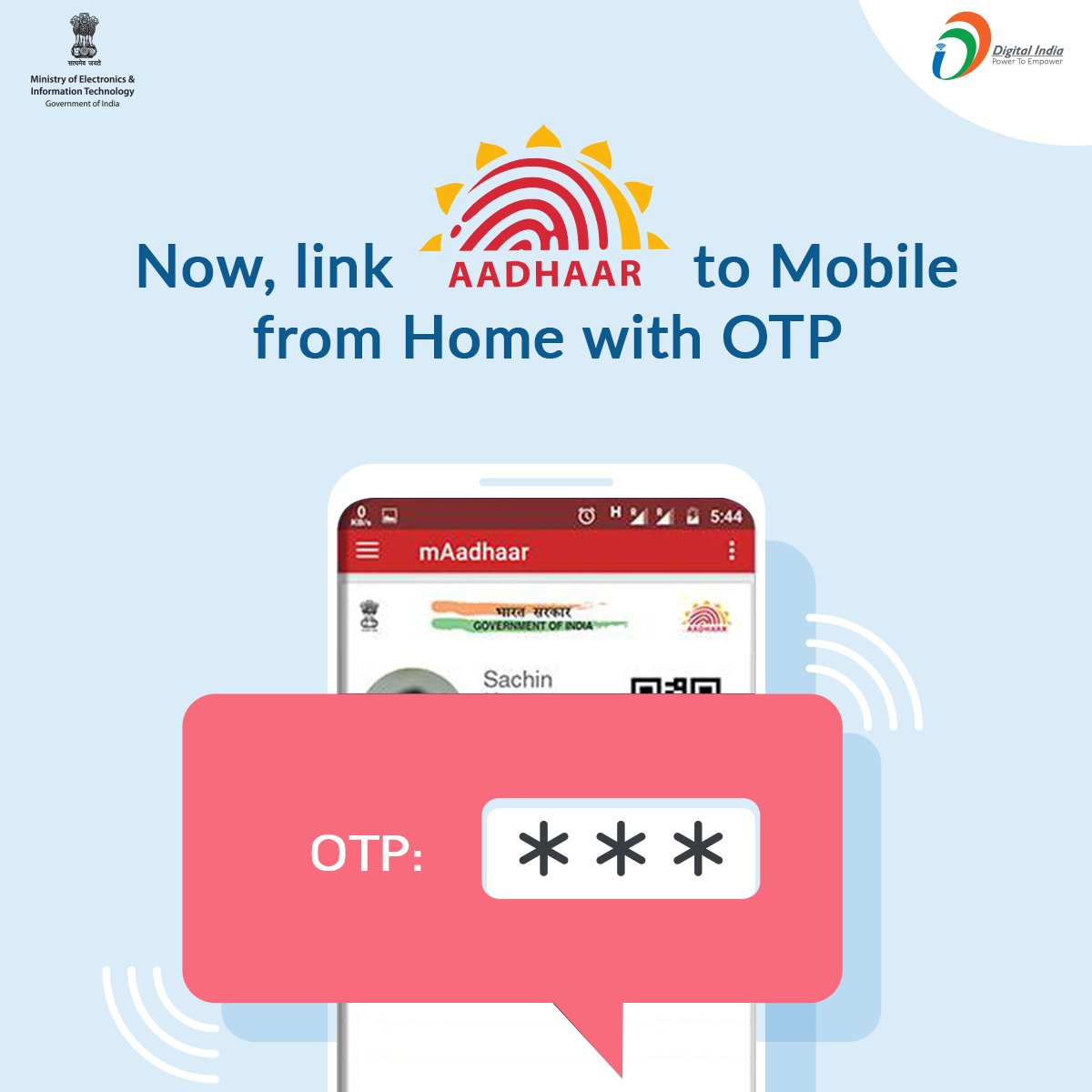
Here's how the IVRS-based Aadhaar authentication through helpline 14546 works:
- Once you call the toll-free helpline 14546, the IVR system asks you whether you are an Indian citizen or an NRI.
- The caller is to provide response 1 in case of Indian citizen.
- The caller is then asked to enter his or her 12-digit Aadhaar number.
- The IVRS then repeats the number entered and asks the caller to confirm by pressing response 1.
- After this step, an OTP or One-Time PIN is sent to the registered mobile number.
- The IVR system asks the caller to give consent to the telecom operator to pick his or her name, photo and date of birth from the UIDAI database.
- The caller is asked to enter the OTP in the next step.
- The caller is asked to press 1 to complete the Aadhaar-mobile number re-verification process.
NRIs/OCIs are not eligible to enroll for Aadhaar and hence fully exempted from any Aadhaar verification of bank accounts/mobile SIM or other services, the UIDAI has said.

No comments:
Post a Comment